Carpet and upholstery cleaning software
Fresh carpets. Comfy sofas. Jobs in order.
Field keeps the rooms, furniture, prices and job notes together. Run your own cleaning day or share the plan with your team.
- Know which rooms and furniture need cleaning.
- Keep the marks, fabric notes and agreed extras clear.
- Put yourself on the job or choose your cleaners.
- Record the visit, send the bill and track payment.
Free during beta. No card required.
For carpet and upholstery cleaners, working solo or in a team.
Rooms. Sofas. The whole job.
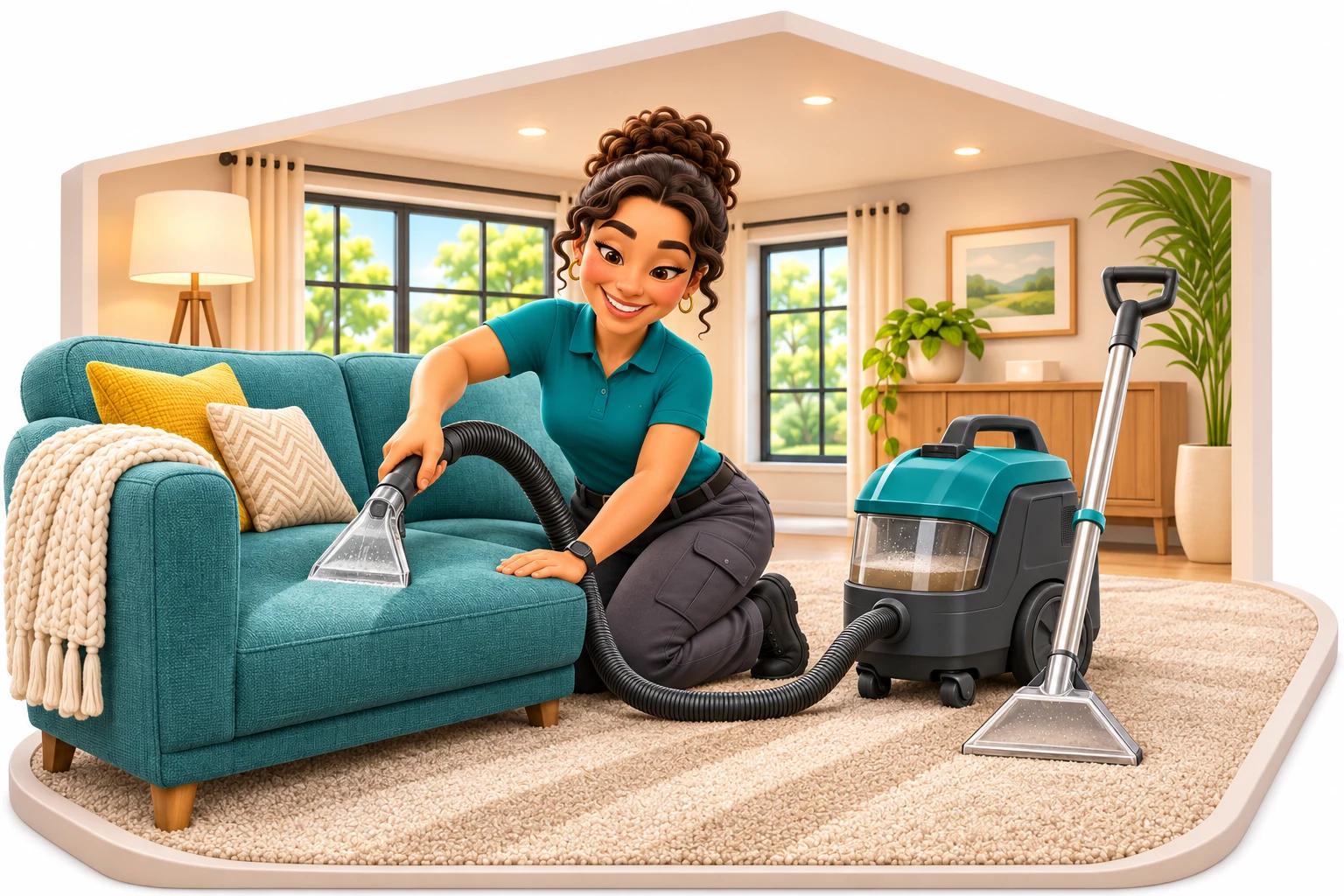
Rooms, rugs and favourite chairs
Big carpets. Little cushions. A plan for each.
A sofa clean needs different details from a flight of stairs. Keep the items, prices and instructions you agree with each job, whether you work solo or with a team.
01
Carpets, stairs and hallways
Two bedrooms, the landing and the stairs. Give every part of the carpet clean a clear price.
A customer books the upstairs rooms and stairs, then asks about moving the sofa downstairs.
What to keep with this job
Keep the room counts, measured areas you supply, stairs and agreed furniture-moving tasks with the job. Note access and existing marks, with photos when agreed. Price extra work separately and confirm it before starting. The full carpet calculator uses your room and stair prices. The on-page preview prices rooms only. Check the minimum charge and travel allowance against the actual job.
02
Sofas, chairs and leather furnishings
A cosy corner sofa. Six dining chairs. Keep the items and the little details together.
A customer wants the fabric sofa cleaned, but asks you to leave the leather armchair alone.
What to keep with this job
List each item, its size, fabric or leather notes and the work you agree. Add inspection notes before choosing your method. Give sofas, chairs and agreed extras their own quote lines using your prices. You identify materials and provide the care advice. Field does not choose a treatment or guarantee stain removal.
03
Rugs, from the hallway to the sitting room
One small rug or the big one under the table? Record which rug and where the clean will happen.
A client books a living-room rug clean at home and asks whether another rug can be taken away.
What to keep with this job
Keep the rug size, material notes, condition and agreed on-site work with the job. If you collect rugs for cleaning elsewhere, agree collection and delivery with the client. You still need a way to label each rug, track who has it and manage the work at your workshop. Ordinary job notes do not replace that system.
04
Mattresses and guest beds
A single bed? Two doubles? Give the mattress clean its own place on the list.
A villa manager books three mattresses between stays and agrees when the rooms must be available again.
What to keep with this job
Record mattress sizes, counts, access and the agreed work. Allow the time you judge necessary before the beds can be used. Keep your own aftercare and drying advice with the job, based on your inspection and method. Field does not calculate drying time or certify hygiene, sanitisation or allergen removal.
See the wider guest-accommodation clean05
Curtains, blinds and window furnishings
Curtains in the lounge. Blinds in the bedrooms. Make the counts and the agreed work clear.
A homeowner wants the lounge curtains cleaned in place and asks about taking a blind away.
What to keep with this job
Record the material, size or count, access and whether the agreed clean happens on-site. Confirm any removal, collection and refitting arrangements yourself. Blind repairs, replacement parts, motors and awning repairs are different services. This page covers organising the cleaning work, with your own expertise and prices.
06
Office carpets, hotel rooms and venue seating
The office after five. The guest room between stays. Plan the clean around the people using the place.
An office books meeting-room carpets and twelve fabric chairs after staff leave, with access through reception.
What to keep with this job
Keep the business contact, rooms or seating counts, access window and agreed finish time with the visit. Add repeat jobs for regular work and check the visits Field creates. Assign yourself or choose cleaners and publish their shifts. You agree when an area can reopen; Field does not check that it is ready.
Explore other commercial cleaning work07
Vehicle seats and boat interiors
Car seats, caravan cushions or a cabin sofa. Keep the fabric work you agree clearly listed.
A customer asks for the caravan seats and cushions, with the curtains priced as a separate extra.
What to keep with this job
Record the vehicle or vessel location, access, items, condition and agreed interior work. You choose a suitable method and supply the specialist knowledge. These notes cover the seats and fabrics you agree to clean. Arrange any wider vehicle or boat work separately.
Working on your own? Assign yourself and keep your next job clear. With a team, choose your cleaners, publish their shifts and check who has accepted. Everyone gets the instructions for their assigned work.
From the first enquiry to the last cushion
The little details make a big difference.
One armchair or a houseful of carpet. Give yourself, your team and your client a clear idea of what happens next.

Two bedrooms and the sofa? Write it down.
Rooms, stairs, sofas and chairs. Keep the agreed work, access details and notes about marks or fabric with the job.
See how it works
Add the client and address. List what is included, what needs a closer look and anything to leave alone. Add your own inspection notes and agreed photos. Check the fabric and the work yourself before choosing a treatment.
See job notes and task listsA price you can explain
Give the carpet rooms, the armchair and the agreed extras their own lines on the quote. Let your client see what the price covers.
See how it works
Use your own prices for each part of the job. Add agreed charges, such as stairs or moving furniture, and check the total before sending the quote. Your client opens the link you send without needing a Field account.
Explore quotes and invoicesKnow who is doing the clean
Working solo? Put yourself on the job. With a team, choose who goes and share the instructions before they arrive.
See how it works
Invite your cleaners to Field and assign their jobs. Publish the roster, the list of shifts they will work. They sign in on their phones to see the work and accept their shifts. Review leave or swap requests, choose cover and publish the changed plan. Contact people directly about urgent changes.
See how to share the plan
Keep the before, the after and the hours
A mark already on the sofa. A room finished. An extra task agreed. Keep the photos, notes and time with that visit.
See how it works
Open your assigned job on your phone. Tick off tasks, add notes and record agreed photos. Clock in and out for the visit. Your team does the same, and you review their work and hours. Agree with the client before taking pictures inside their property.
Explore the visit recordLeave good advice with the clean
Tell your client the drying and care advice you recommend. Keep a note of what you told them, ready if they call later.
See how it works
Write your own aftercare notes with the job. Give the client the advice that fits the fabric, method and conditions you have checked. Field keeps your record. It does not identify fabrics, choose chemicals or work out a drying time for you.
See how job details stay togetherFinish the job
Pack up the hoses. Send the invoice.
Turn the client and job details into a bill. Show the agreed work, add your payment instructions and keep track of what is paid.
Quotes, invoices and payment records included
How does the client pay?
Send the invoice link, with your own payment instructions or payment link. Your client needs no Field account. Record payments to see what is still due.
See quotes and invoicesThe next enquiry, a little easier
Let the next job start with a link.
Share your booking link on your website or included Link XL business page. Clients can ask for a clean without creating an account.
Can I review the job before agreeing it?
Choose booking requests for you to review, or offer times after you set up your availability. Confirm the rooms or items, condition, access and price with the client. Jobs agreed by phone or message can be added directly too.
Your Link XL business page is included. Publish it when ready. A free Find XL listing is optional and does not guarantee enquiries.
A clear start to the clean
Check the rooms and furniture Agree the work and visit Keep the details with the jobWhether you carry the machine yourself or send a team, start with the same clear plan.
A little help with the price
Make the numbers as clear as the job.
Try a room-based carpet estimate with your own rates. Price sofas and chairs as separate items on your quote.
Try a carpet quote
What would you charge for these rooms?
Enter your own prices, before tax. Extras start at zero.
Estimate before tax
Add your rateCheck the room count and prices. Use at least one whole room and charges of zero or more.
Your minimum applies to the room charge first. Stain treatment and travel are added after. This preview leaves out stairs, furniture moving, deodorising and tax.
Add stairs, other extras and taxPrice the rooms and stairs
Use your room and stair prices. Add a minimum charge, agreed treatments, furniture moving, travel and tax.
Open the full carpet calculatorFind your hourly price
Start with the pay you want, business costs and the hours you can charge for. Give your next price a firmer footing.
Work out your hourly priceCheck what is left
Add the job costs and your selling price. See the money left over before you send the quote.
Check your price and profitYour prices, your agreed work. Check the items and condition before you quote. See what the calculators include.
One business, a place for the details
Start with your own jobs. Grow from there.
The everyday job tools are included, from customer notes to invoices. Choose your plan for the number of people and file space you need.
Just you and the machine?
Plan your visits, keep your inspection notes, record your hours and send the invoice. You do not need a team to use Field.
More hands on the job?
Assign the work, review tasks and hours, then approve and download timesheets for your usual pay process.
What is included, and what costs extra?
Site clock-ins, standard Field emails and stock and equipment tools are included. You buy the actual machines and cleaning products separately. Extra office logins, file space, personal setup help, wider sales and follow-up tools, selected emails from your own address and extra crew capacity are optional paid extras, subject to plan limits.
Optional paid GPS adds available location updates during an active shift. It needs cleaner consent, phone permission and Field open. Updates stop when the crew page is hidden or closed, including when the phone locks. See the FAQs for included site clock-ins.
Give the next job a fresh start
One client. One carpet or sofa. Your first try.
Add the job
Choose a client you know. Add the address, rooms or furniture and the agreed work.
Make your plan
Keep the notes with the visit. Assign yourself, or choose your cleaner and share their shift.
Try the whole visit
Record the tasks, photos and hours. Review the work, then make the invoice.
Want a look first?
Explore the real Field screens with a sample business.
Open the interactive demoOpens in a new tab.
A few things you might be wondering
Before you jump in
Can I use Field if I work on my own?
Yes. Keep your clients and job notes together, assign yourself to visits, record your own hours and send quotes or invoices. You can start with your own work and invite cleaners later.
Can I quote for sofas and chairs as well as carpets?
Yes. Add your own quote lines for each item or part of the work, using your own prices. The free carpet calculator is for rooms and stairs, with optional extras. It does not set upholstery prices. Put your sofa and chair prices directly on the quote.
Can I keep stain and fabric notes?
Yes. Use job notes, task lists and agreed photos to record what you inspected and what work you agreed. You still identify the material, test it as appropriate and decide how to clean it. Field does not guarantee stain removal or certify a treatment.
Can I bring my existing clients into Field?
Yes. Add clients one by one or import your customer spreadsheet as a CSV file. Customer records are included. Jobs agreed by phone or message can go straight into Field too.
Can I book repeat carpet or upholstery work?
Yes. Set repeat jobs, review the visits Field creates and check who is assigned. You choose the cleaner and arrange cover if plans change. Set repeat invoices separately from repeat jobs.
Can clients ask for a clean online?
Yes. Share a booking link or add a booking form to your website. Choose requests to review, or offer available times after you set up your availability. Check the items, condition, access and work before agreeing the job. Clients can book without a Field account.
Are site clock-ins included?
Yes, with no extra charge for each clock-in. A phone location can be saved at that moment when the cleaner agrees, gives permission and has a usable reading. Optional paid GPS adds available updates during an active shift. It needs consent, phone permission and Field open. Updates stop when the crew page is hidden or closed, including when the phone locks.
Will Field tell my client when the sofa is dry?
You decide what drying and care advice to give and share it with your client. Save a note with the job so you can find it later. Field does not calculate a drying time or check whether carpet or furniture is dry.
Does Field pay my team or collect client payments?
You can review and approve hours and download a CSV file for your usual pay process. Field does not pay wages or work out legal pay rules. Add your own payment instructions or payment link to invoices and record payments. Direct Xero, MYOB and QuickBooks connections are not available.
What does the quote preview include?
The preview multiplies rooms by your room price, raises that base charge to your minimum if needed, then adds your agreed stain-treatment and travel charges. It shows the estimate before tax. The full carpet calculator also handles stairs, furniture moving, deodorising and tax. Use your own prices and check the job before quoting. The profit tool includes only the costs you enter and shows prices before sales tax.
Offer regular house cleans too? See Field for residential cleaning. Work in offices and shops? Explore Field for commercial cleaning.
See Field for cleaning businessesGive great cleaning a clearer working day.
Free during beta. No card required.